Store your files with your data
Secure your files alongside your data with our permission‑aware file system. Store, organize, and share files, with the file browser interface you are used to.
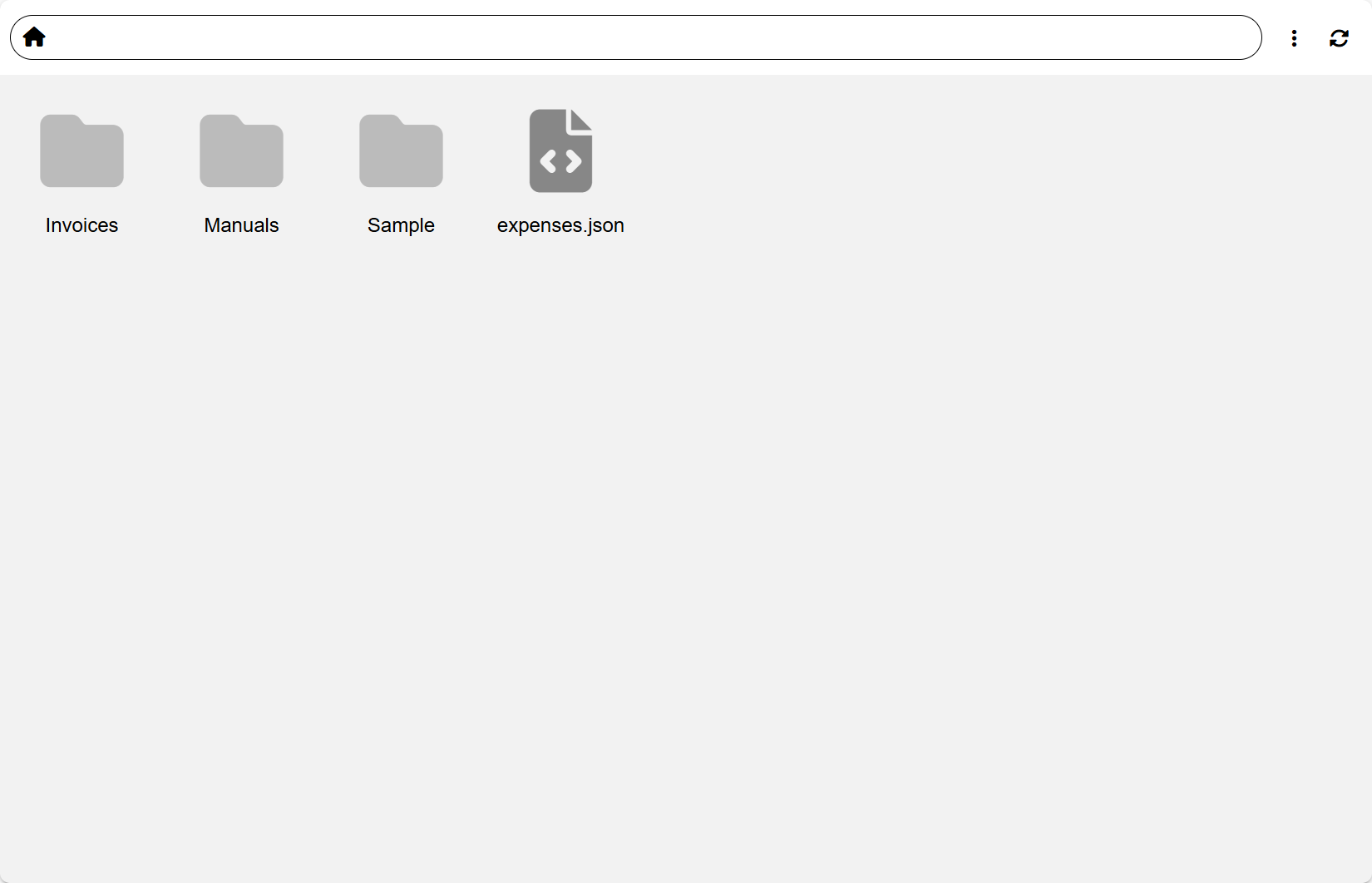
A secure, permission‑aware file system inside Momentum
Storage is more than a shared drive. It’s a deeply integrated file layer that understands users, groups, permissions, and workflows—so every file can be searched, shared, audited, and automated without leaving your ERP.
- Simple file browser with drag‑and‑drop uploads
- Store files and folders in a structured hierarchy
- Share files with any user or group with granular permissions
- Automatic metadata & version tracking for every file
- Connect Storage to AI, Actions, and Data for end‑to‑end workflows
Familiar drag‑and‑drop file browser
Navigate folders, preview files, rename, move, and delete with a UI your teams already understand—no extra tools or training needed.
Granular permissions
Grant access to the public, individual users, or groups. Inherit permissions down folder trees or override them for sensitive paths—fully integrated with Authentication.
Metadata & versioning
Every file is tracked with automatic metadata and audit trail so you can see who uploaded or changed what, when.
Integrated with workflows
Upload files to storage automatically or trigger workflows when files are uploaded automatically scanning them.
Files that connect to your records, workflows, and apps
Your files are just as important as your data which is why we offer file integration through all of Momentum.
Data & Forms
Attach files directly to spreadsheets and forms so documents, images, and media stay in sync with your structured data.
- Link uploaded files to spreadsheets
- Use file fields in forms and workflows
- Scan document content into your spreadsheets
AI‑powered file processing
Combine Storage with AI to make your files searchable and actionable instead of cold archives.
- Use OCR/ASR to extract content from PDFs, images, audio, and video
- Save structured outputs into spreadsheets for searching
- Ask the AI Assistant questions about stored files or have it summarize them
Actions & static hosting
Use Actions and the static file server to turn Storage into the backbone of your apps, customer portals, and automations.
- Have a centeral place to share your files between departments with proper permissions
- Scan files to summarize them or import them into spreadsheets
- Trigger Actions on upload, update, or delete events
How teams use Storage day‑to‑day
Examples of how organizations rely on Storage as a single, secure home for their operational files.
Finance & compliance vault
Keep invoices, contracts, and audit evidence in a controlled space that connects to your spreadsheets and workflows. No more manual data entry.
- Separate spaces for finance, auditors, and leadership
- AI‑assisted extraction of fields from invoices and receipts
- Audit logs on every change
Operations & field teams
Let field staff upload photos, videos, and documents from apps while automatically keeping everything organized by project, site, or asset.
- Use apps to upload phtos or Drag‑and‑drop them into the web UI
- Link media to inspection or job records
- Use AI to summarize site photos or checklists
Customer & partner portals
Enable users to upload and manage media on their project without them seeing everything using Momentum's granular permissions.
- Per‑customer shared folders with custom access
- Embed file browsers and uploads into Forms & apps
- Generate PDFs from estimates and put them in storage
Put your files and records in the same secure system
Use Momentum Storage to centralize files, control access, and connect documents to the rest of your ERP— so every upload can be searched, audited, and automated instead of getting lost in shared drives.
Start your free trial →